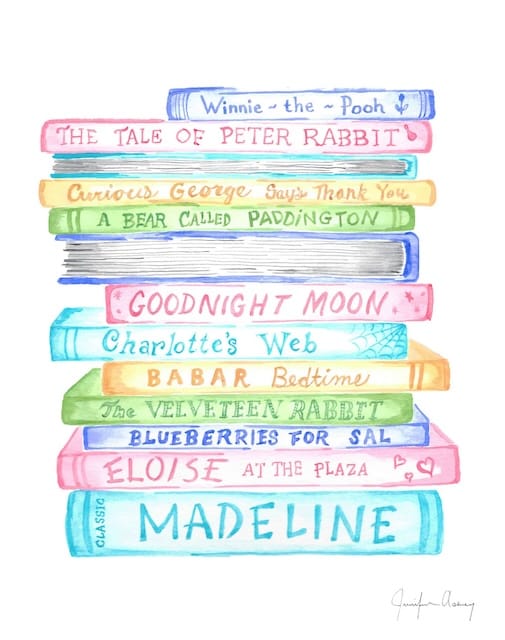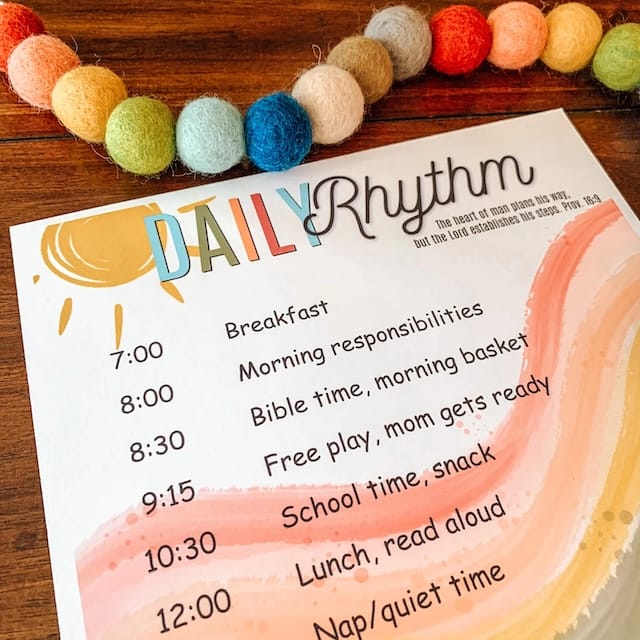
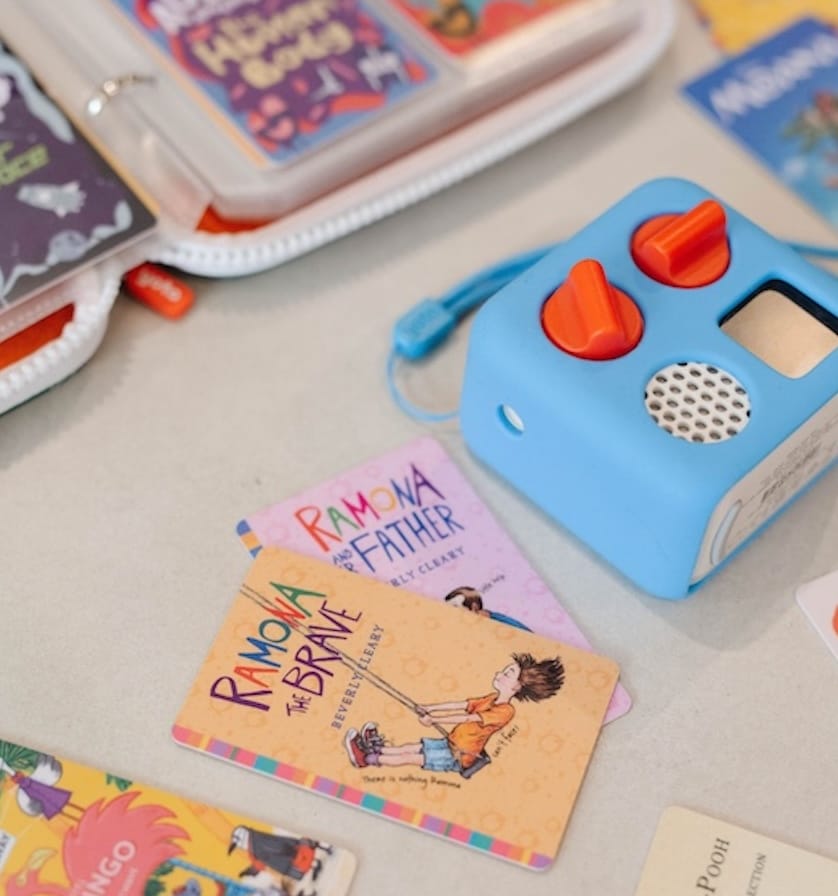
We thoroughly enjoy our Yoto Mini Player. Our oldest started using a player shortly after her 4th birthday. (She is currently 5 years old). During her 2 hour quiet time, she contentedly listens to books with headphones. She listens to the same stories over and over again on repeat. Her recent favorites are The Little House in the Big Woods, The Lion the Witch and the Wardrobe, and Beatrix Potter Collection. We have slowly added to our collection and now currently have 16 cards (some are multiple cards for the same books).
You can find our entire library and wishlist on a previous blog below. It also included links for where to access them for free.
Ways to start your Yoto Player Library
1.Yoto Cards
On the Yoto website, there are numerous cards available including music and books. They are beautifully recorded and great quality. You might even recognize a few voices narrating such as Olivia Colman, Tom Hardy, and Lily James. Cards range from $8 - $15 for a single card.
2.MYO Cards
For $3 a card, you can purchase a pack of 5 or 10 of Make Your Own Cards. These cards are ready to use by simply adding your own MP3 files. This is easily done via the mobile App. There are a plethora of tutorials on YouTube. HERE and HERE are great straight forward and detailed instruction.
3.Homemade NFC Cards
As these cards can easily become expensive, my techie husband tinkered around and creatively found a more affordable - yet slightly more complicated - way to add to our library.
Click the button below to find step-by-step instructions for how to make your own homemade NFC cards.
Accessories
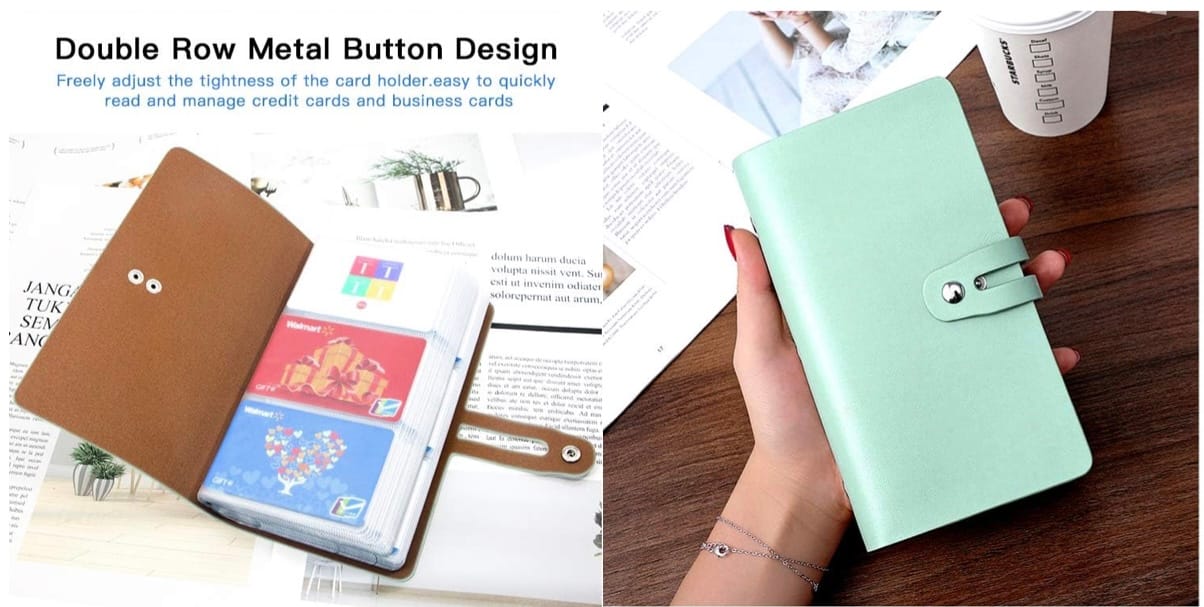
Credit Card Holder
Yoto Cards fit perfectly in a credit card holder. This case holds 96 cards. The slips can rip easily when kids handle it roughly, but since there are so many pages, I simply cut the page out.
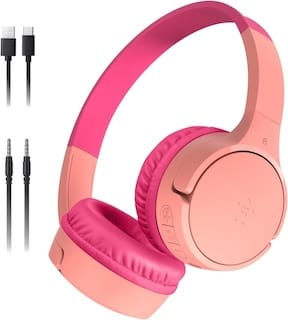
Kid Head Phones
We purchased these back in 2021 for our big flight to Europe. We are still enjoying them four years later and use with our Yoto Player.
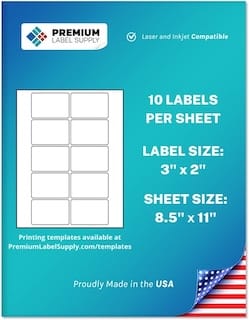
Labels
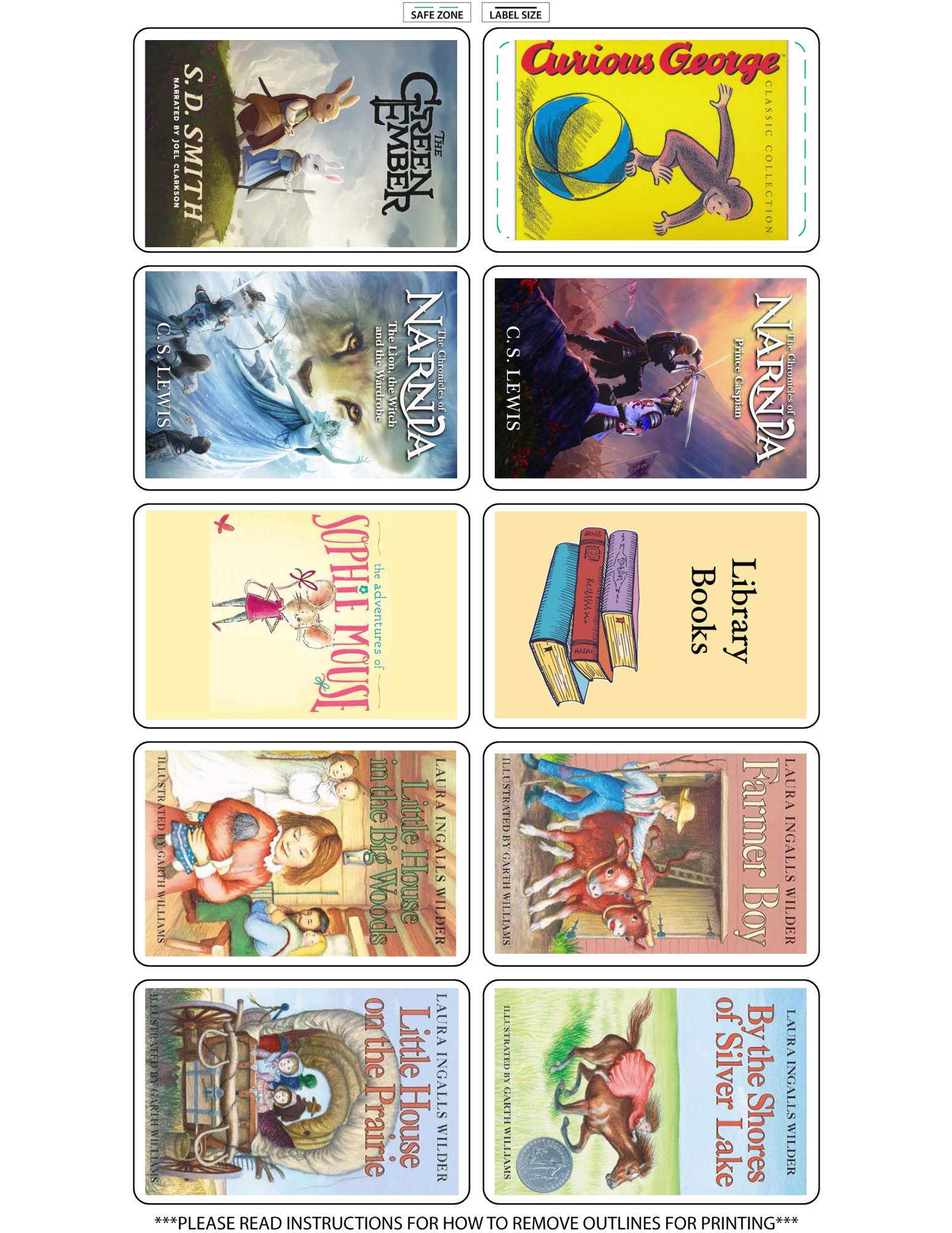
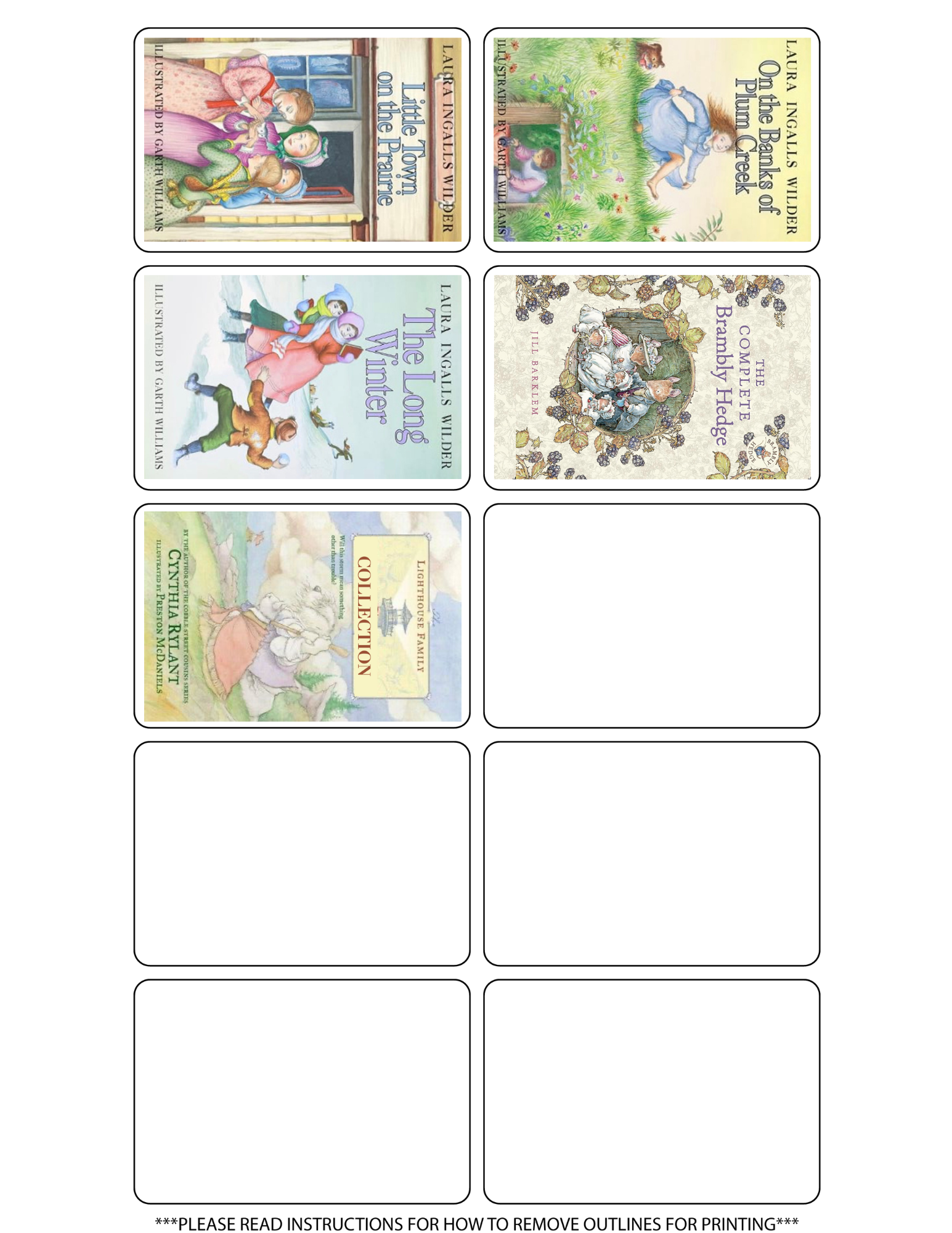
To create customized photos to identify your cards, find any label that is sized 3"x2". There are several different templates you can use to create your labels. I found Avery.com easy to use. After searching for the book cover online, I simply inserted the image into the template. After printing, I highly recommend covering the label with packing tape to make it water proof.
To customize your own labels, check out this resource!